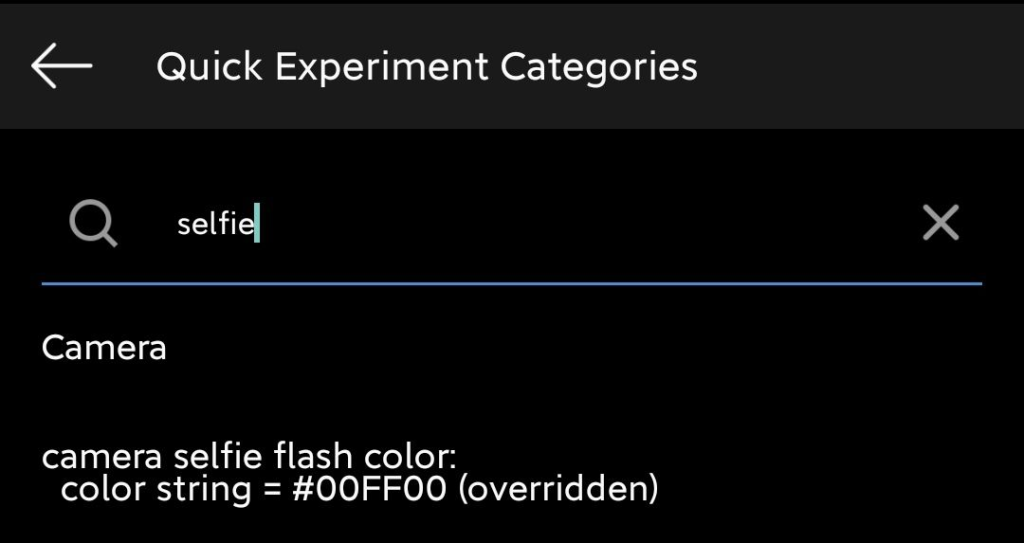
Developer Mode
Insta developer mode tips and tricks
These are Insta developer mode tips and tutorials for you to get the most out of it.
Warning: This publication is willing to change at any time due to updates and features that are added and removed with each update 🙂
To access developer mode, just hold the home button of the news feed and access “Modify Quick Experiment Settings. “
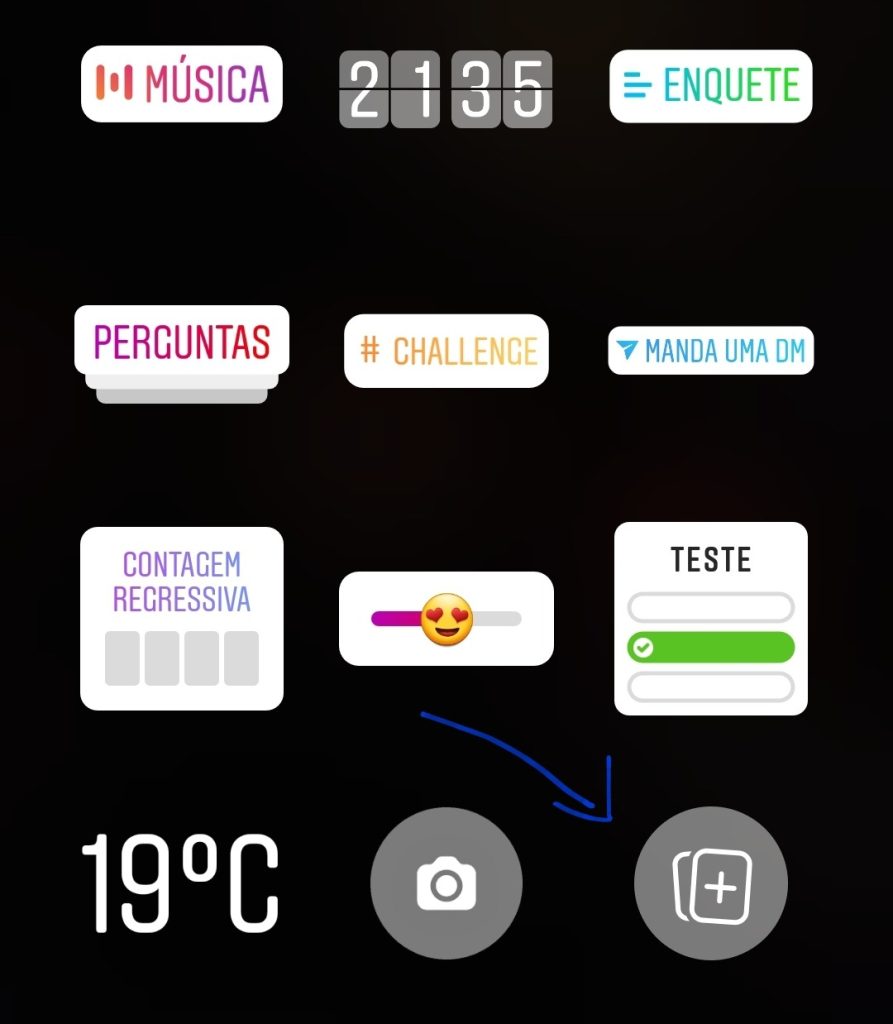
Add stickers to your Insta Story
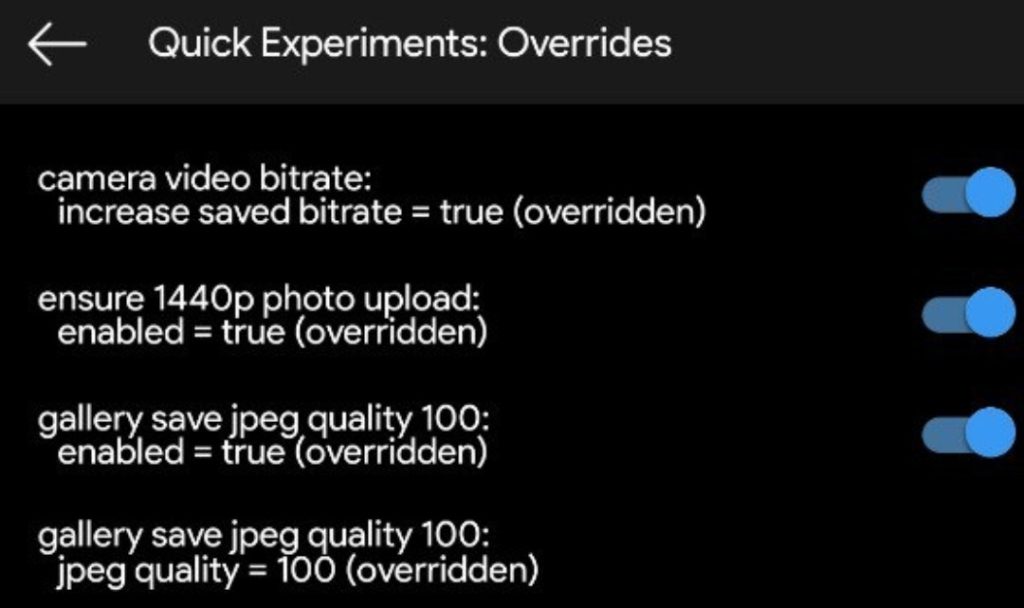
Change the Image Quality of Pictures
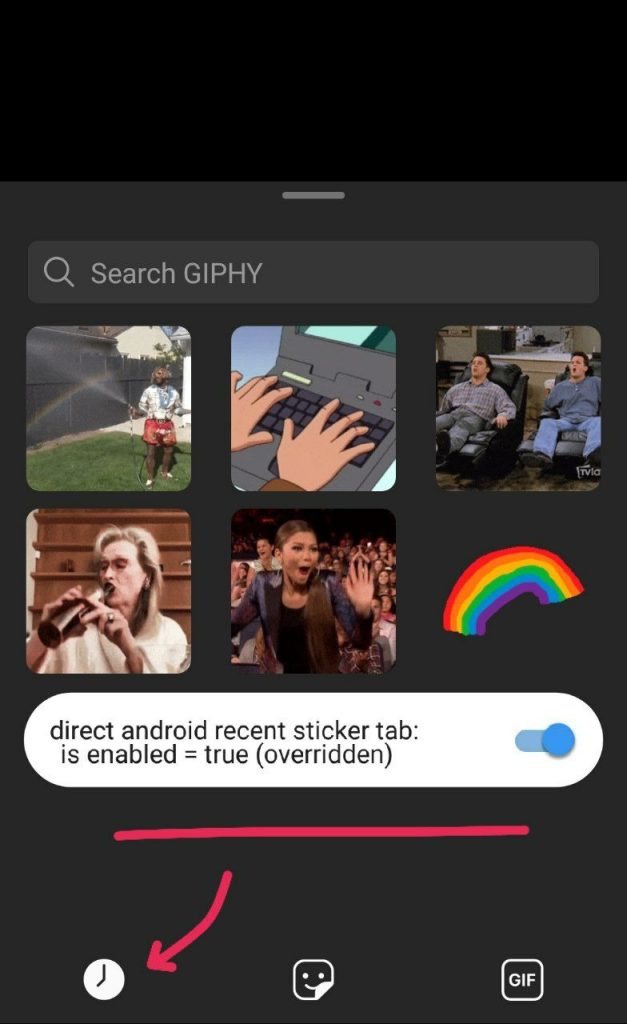
Sending Gifts
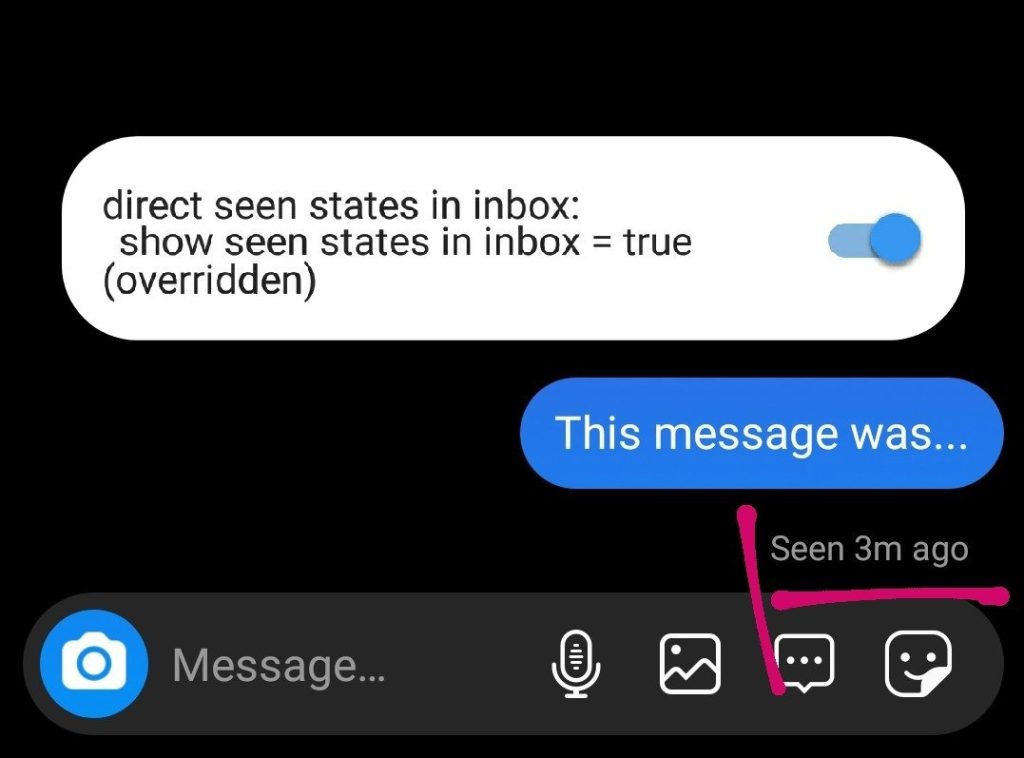
Checking Last Seen
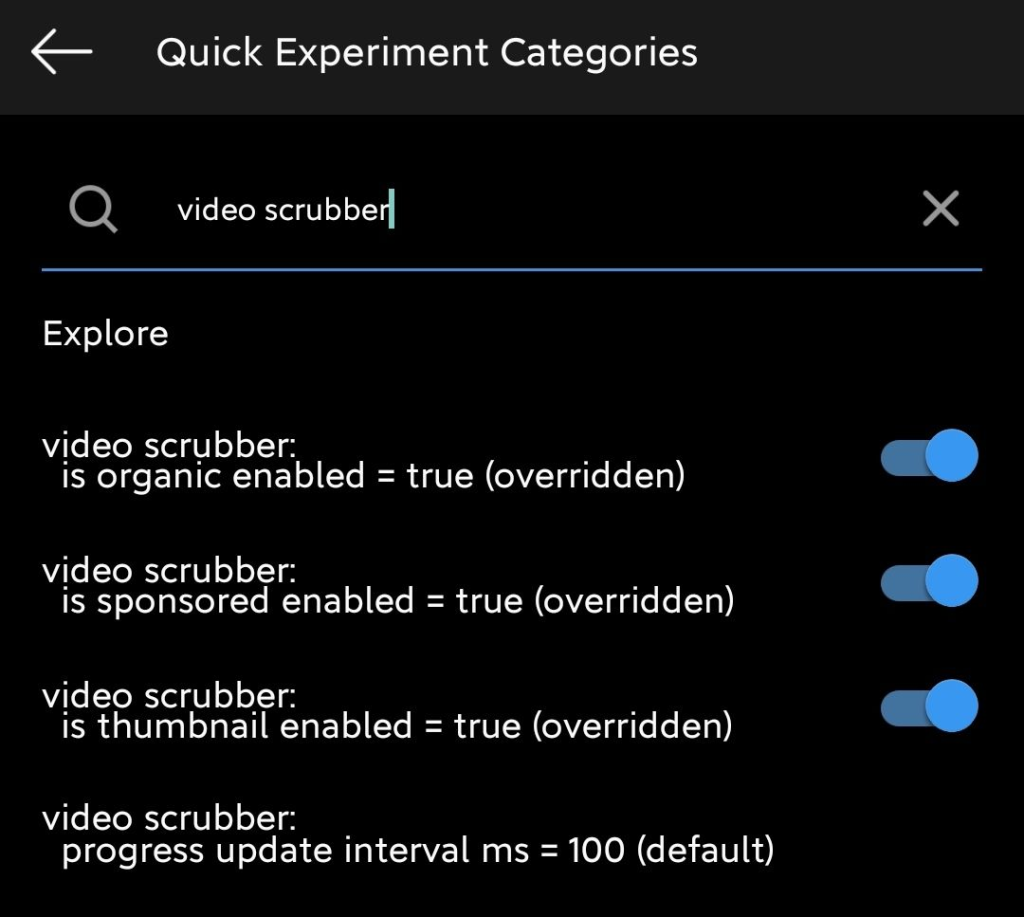
Rewind Video option for all users
Color adjustment for the camera